Free to use
Spot hate speech online? Label it where you find it.
The AddressHate Annotator extension is a tool that turns native navigation into streamlined data collection. Find a post, click through our pre-defined or custom labels, and get labeled data exportable via middleware and Excel. Context selection and inclusion, multimodality, and organization, team, and project management are all completely baked in. Study and annotate content online faster and more easily than ever.
- Supported Sites
- 13
- Social Platforms
- 7
- AI Assistants
- 6
- To Use
- $0
x.com/home
Timeline
· 4h
· 2h
2481123.1K
· 6h
· 9h
The panel
Label a post without leaving the page
The annotation button appears when hovering over content on any site. On click, a side panel ideal for labeling and annotating appears and can be navigated by hotkeys or mouse. You never need to leave the site, which speeds up your annotation.
- Keyboard hotkeys for rapid annotation
- Labeled and flagged posts are marked in-platform
- Select co-text when annotations depend on parent and sibling content
x.com/home
Timeline
· 4h
· 2h
2481123.1K
· 6h
· 9h
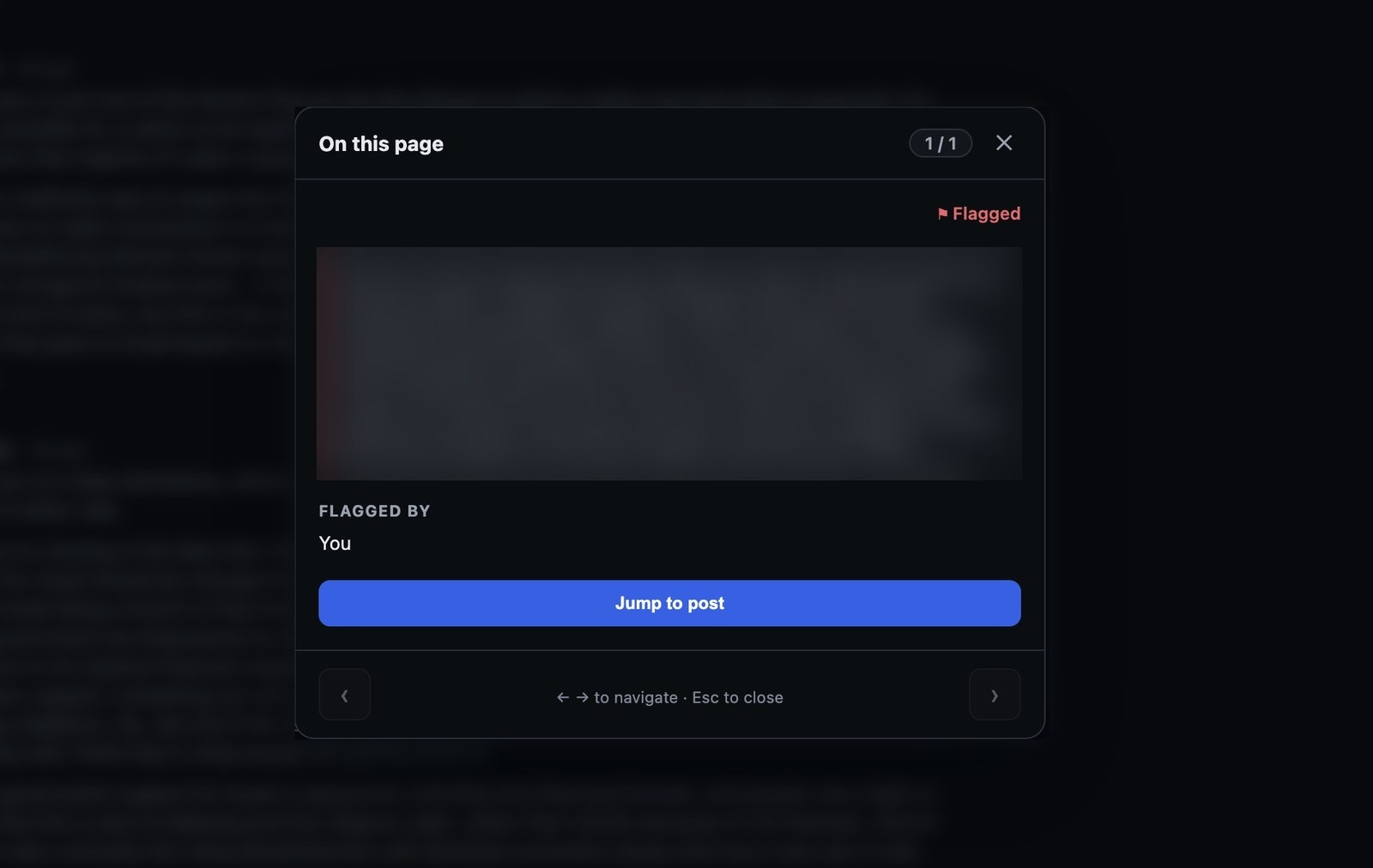
Flagging
Not sure? Hand it to someone who is
Flagging allows annotators in training, annotators facing ambiguous cases, and general public users to mark content for later analysis. Users can mark a post as difficult, add a comment explanation, and it gets sent to the queue of an expert annotator.
- No taxonomic knowledge required
- Flags land in a shared queue with the original link attached
- Your note travels with the flag, so the expert sees why you raised it
reddit.com/r/…/comments
In the feed
It works where the speech actually is
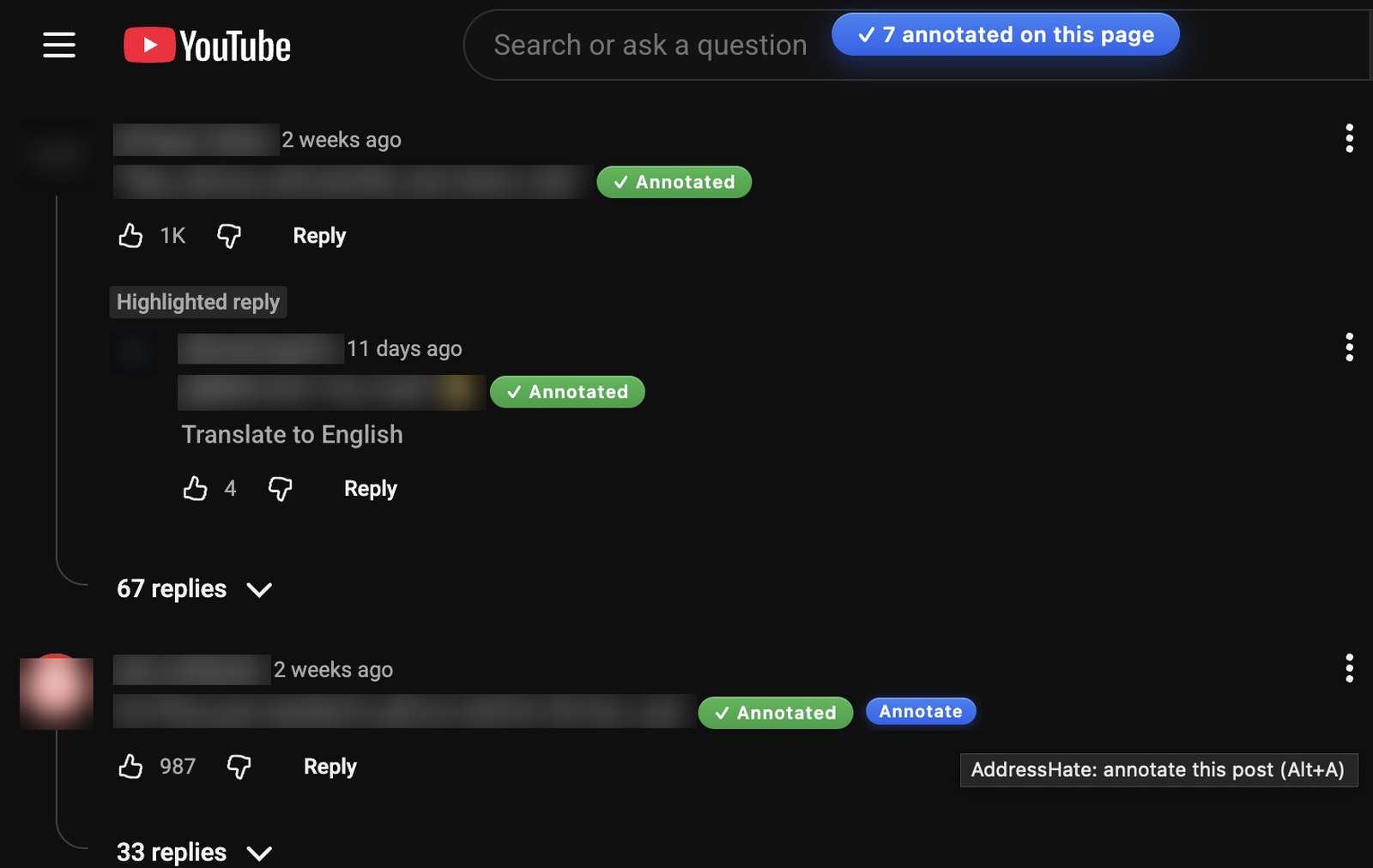
The extension runs on the platforms where the hate is and captures what is needed for deeper analysis. It preserves the context that is lost when data is extracted and standardized.
- Reply chains, quoted posts, and parent videos captured automatically
- Media is archived with the post for multimodal analysis
- Retweets resolve to the original with deduplication integrated
youtube.com/watch?v=…
AI assistants
Audit what the chatbots say back
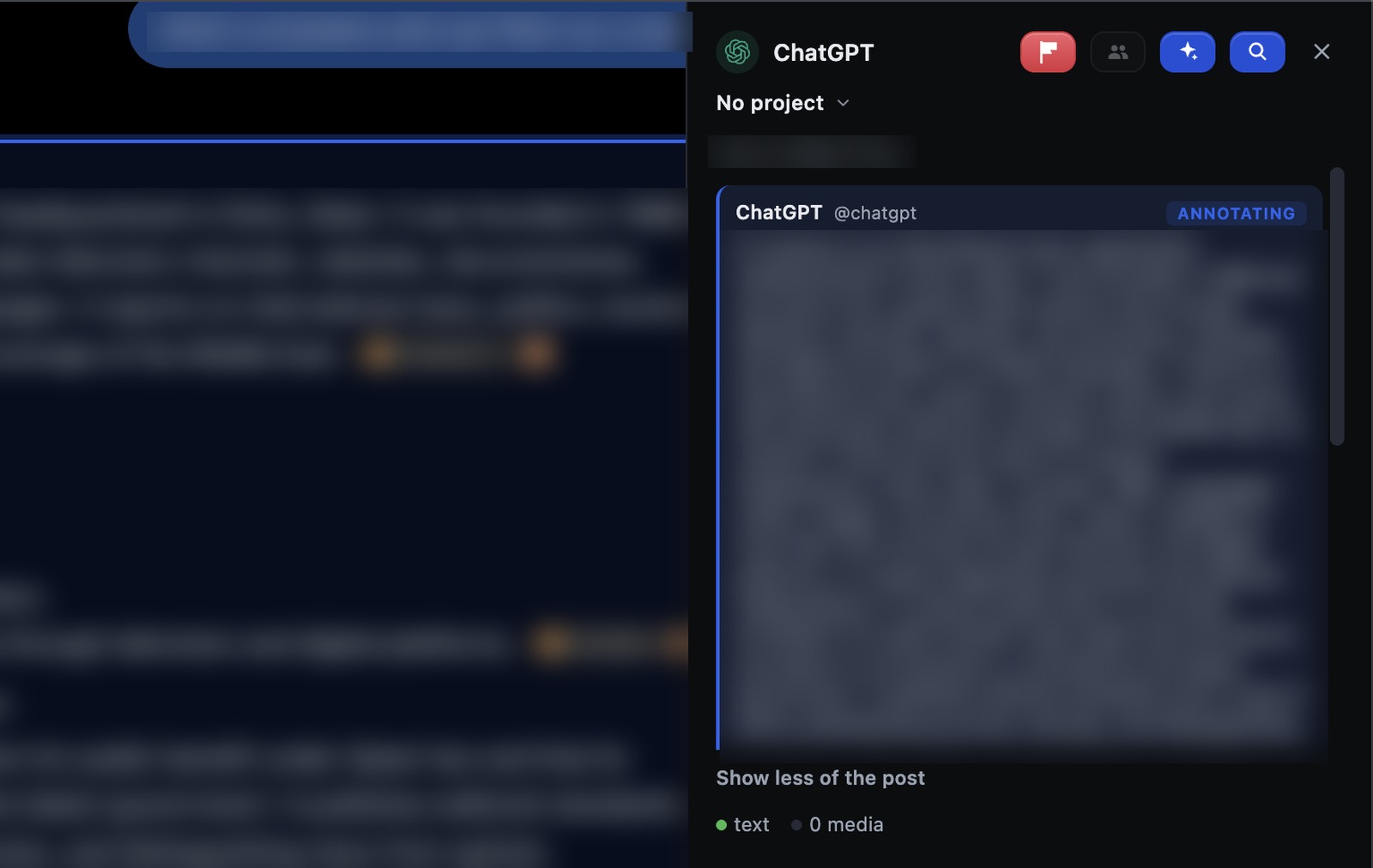
AI agents talk to millions of people every day, but the tools for analyzing what they say are limited. The extension lets assistant replies and conversations be annotated in the same manner as any other message board or thread, capturing the prompt that produced each reply and the steps leading up to it.
- Covers 6 model providers
- Standardized data processing
- Private chats have an explicit consent layer showing exactly what is stored
chatgpt.com/c/…
Coverage
13 Supported Sites
The extension only works on the sites below, and cannot read or transmit data anywhere else. On these sites, it captures only the data the user flags — no other data and no personally identifiable information.
Social Platforms · 7
X
Tweets and Replies

YouTube
Comments on Watch Pages and Shorts

Submissions and Comments

Posts and Comments

TikTok
Videos and Comments

Rumble
Videos and Comments
4chan
Board Posts
AI Assistants · 6
ChatGPT
Assistant Replies
Claude
Assistant Replies

Gemini
Assistant Replies

Grok
Assistant Replies

DeepSeek
Assistant Replies

Qwen
Assistant Replies
Every surface is keyboard-driven — experienced annotators rarely touch the mouse.
Getting started
Install, sign in, and start annotating
Get the extension, use your team credentials, and annotate directly on a supported site.
- 11 minute
Install the extension
Add AddressHate Annotator from the Chrome Web Store.
Open Chrome Web Store - 21 minute
Sign in
Use the credentials provided by your team or project lead.
- 3Immediately
Start annotating
Open a supported site, hover over content, and select Annotate.
Get access
Tell us who you are and we'll set you up
Accounts are issued by hand — it takes a short conversation, not a signup form, because every account is scoped to a team and a data destination. There is no cost at any point.